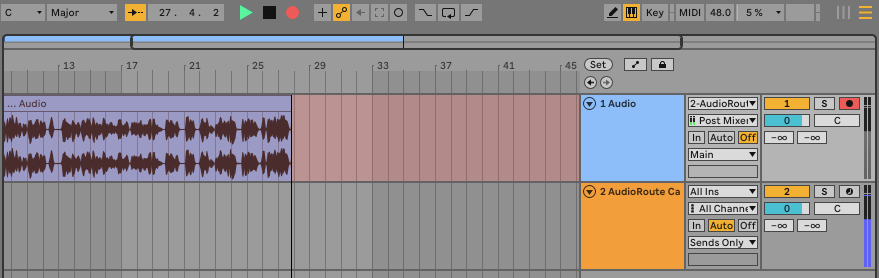
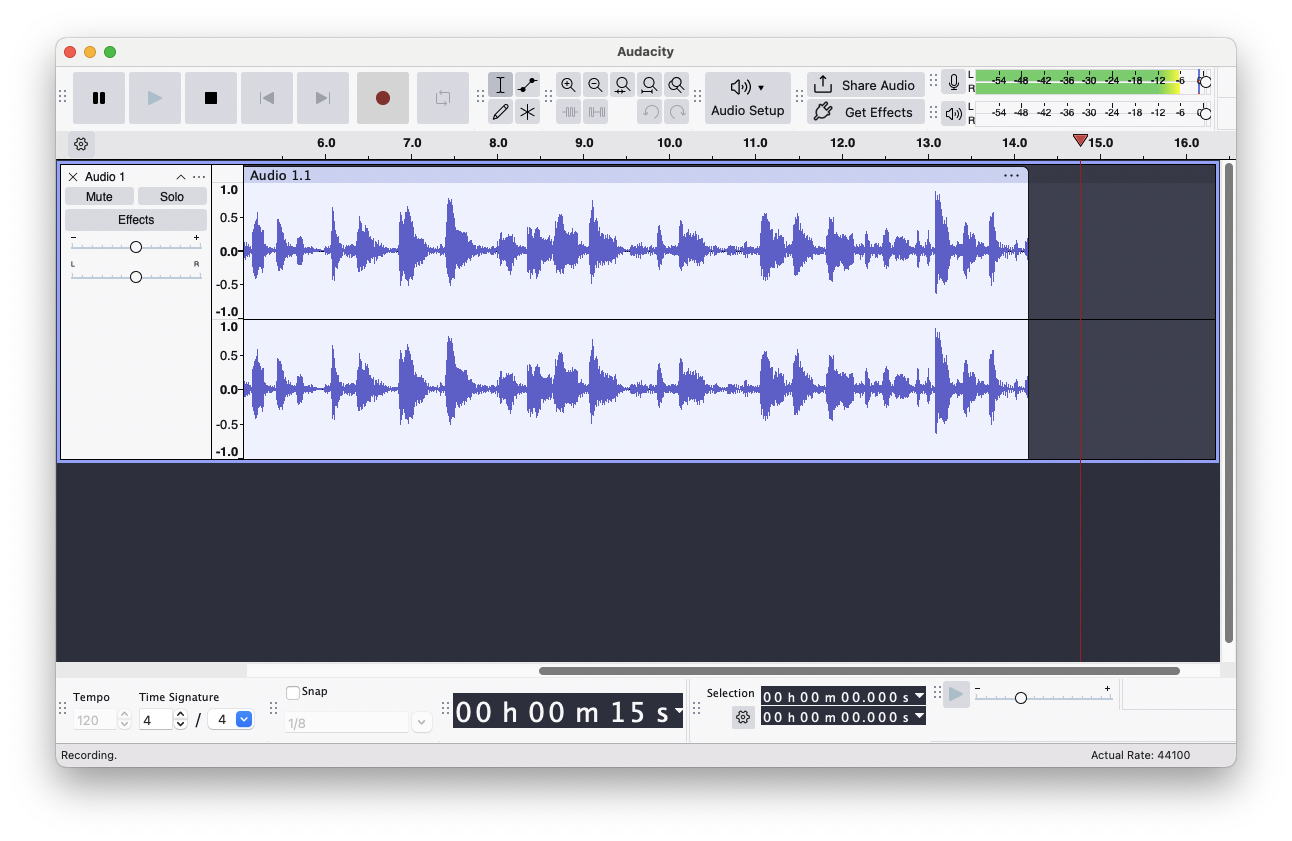
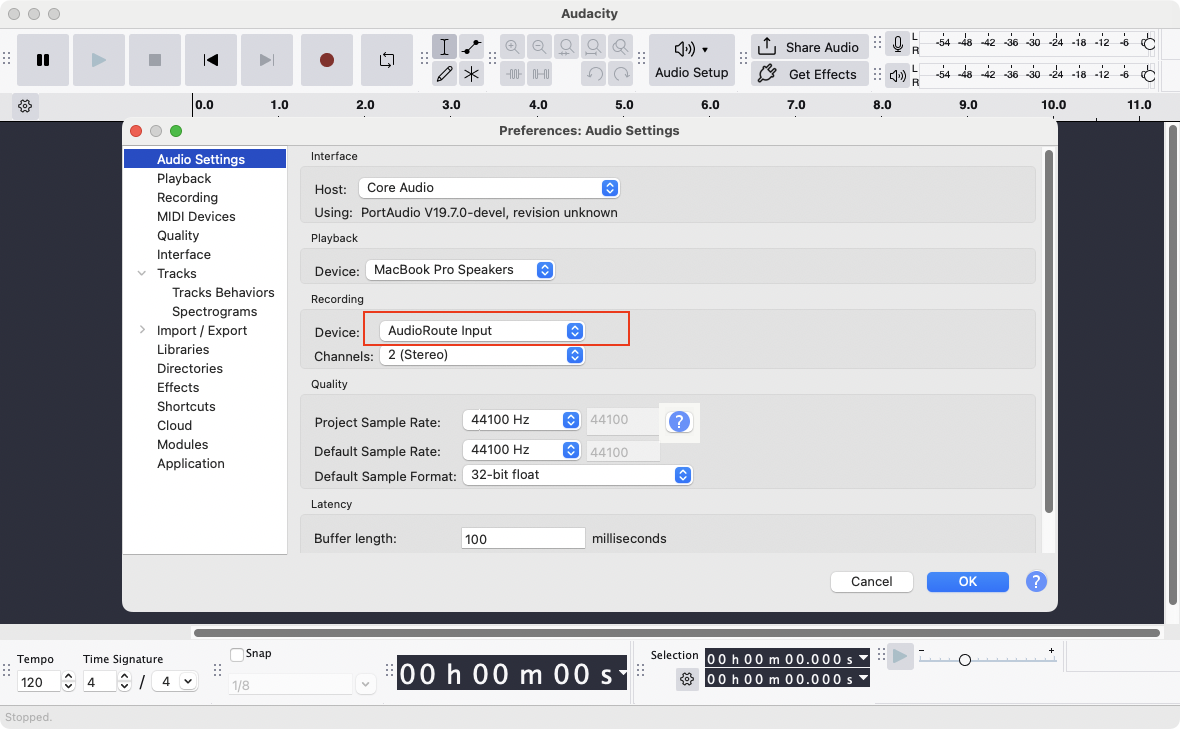
AudioRoute appears as an input device in Audacity, OBS, and any recorder — and as a VST3/AU plugin inside Ableton, Logic, FL Studio, and Reaper. No virtual cables, no drivers to fight with.
Works with
One minute demo: drop the plugin, record, done.
Three ways to capture
One install, three recording paths. Pick whichever fits your tool.
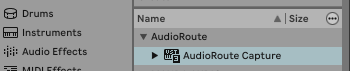
Drop the AudioRoute Capture VST3/AU plugin onto a track in Ableton, Logic, FL Studio, or Reaper. System audio flows in, ready to record.
Select AudioRoute Input as the recording device in Audacity, OBS, Zoom, QuickTime — anything that sees an audio input.
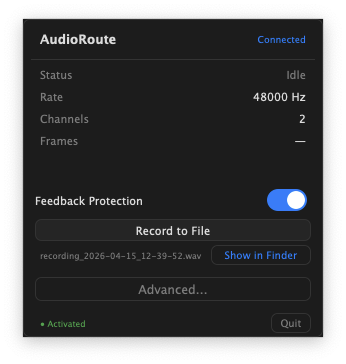
One click in the menu bar app. Captures to a clean WAV file at your chosen sample rate and bit depth. No DAW needed.
In your DAW
AudioRoute installs a native VST3 and Audio Unit plugin called AudioRoute Capture. Drop it onto an audio track and your DAW sees the entire macOS audio output as input — perfect for sampling, podcasts, lessons, or capturing reference tracks.
Anywhere on macOS
AudioRoute Input registers as a system-wide audio input. Any app that can record from a microphone can record system audio: Audacity, OBS, Zoom, Discord, QuickTime, GarageBand, even Voice Memos.
Built for daily use
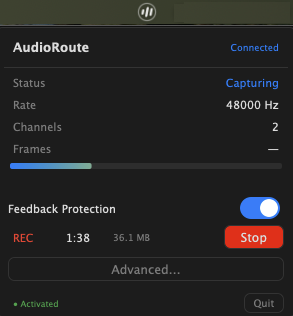
Lives quietly in your menu bar. Status, levels, and one-click recording — always one click away.
Optional always-on-top recording indicator with a stop button. Stays out of the way.
Sparkle-powered background updates. New features land automatically — for life.
Choose sample rate (auto, 44.1k, 48k, 96k, 192k) and bit depth (16, 24, 32-bit float).
Built-in feedback protection prevents the howl when you accidentally route audio back into itself.
Native Apple Silicon. Zero CPU at idle. Doesn't fight Core Audio.
Questions
Everything. Full access to the menu bar app, the VST3/AU plugin, the virtual audio device, and all formats. After 14 days (or 21 for waitlist users) you'll need a license to keep recording.
Not yet. AudioRoute is currently macOS only (Apple Silicon & Intel, macOS 14.5+). Windows is on the roadmap — join the waitlist on the pricing page if you want to be notified.
Yes — your license is tied to your account, not to a single machine. Use it on any Mac you own.
Three differences. (1) One install: AudioRoute gives you both a virtual device and a DAW plugin — most tools give you one or the other. (2) One-time price: pay once, lifetime updates — no subscription. (3) Native HAL driver: it's a real audio device, not a workaround.
14-day money-back guarantee, no questions asked. Email support@audio-route.com.
No. AudioRoute is one-time payment, lifetime updates, no renewal.
Download, install, capture. No credit card. No tricks.
Start free trial
Questions or feedback? We'd love to hear from you:
support@audio-route.com